
PayPal is one of the most widely used international payment gateways for eCommerce businesses, freelancers, and cross-border sellers. However, many users encounter situations where their PayPal account is permanently limited or their funds are held for up to 180 days. A permanently limited PayPal account can significantly impact business operations and cash flow.
In this guide, EasyPay onBoard explains how to appeal a PayPal limitation, the documents you may need to provide, and important tips to improve your chances of account recovery.
What Is a Permanently Limited PayPal Account?
When PayPal detects activities that may pose a risk, it may place a permanent limitation on an account. This means the account can no longer be used to send or receive payments. In many cases, PayPal may hold the funds in the account for up to 180 days before allowing withdrawal of the remaining balance.
Common reasons for a permanent PayPal limitation include:
- Transactions flagged as unusual or high risk
- High dispute, claim, or refund rates
- Selling products or services that violate PayPal’s Acceptable Use Policy
- Failure to verify identity or account information
- New accounts processing unusually large transaction volumes
Steps to Appeal a Permanently Limited PayPal Account
If your account has been limited, you may still have the opportunity to submit an appeal directly to PayPal by providing the required verification documents.
Step 1: Check the Resolution Center
Log in to your PayPal account and visit the Resolution Center.
There, PayPal will typically display:
- The reason for the account limitation
- Required documents for verification
- Actions needed to complete the review process
Carefully reviewing these requirements will help you prepare the correct documentation.
Step 2: Prepare Identity Verification Documents
PayPal often requests proof of identity to verify the legitimacy of the account holder.
Accepted documents may include:
- National ID card
- Passport
- Driver’s license
Make sure the document images are:
- Clear and readable
- Uncropped
- Showing all required information
- Uploaded in color whenever possible
Step 3: Verify Your Address
PayPal may also require proof of your residential address.
Commonly accepted documents include:
- Bank statement
- Electricity bill
- Internet bill
- Water bill
The document should:
- Match the name on your PayPal account
- Display your current address clearly
- Be issued within the last six months
Step 4: Provide Transaction Evidence
For business or seller accounts, PayPal often requests proof that your transactions are legitimate.
Examples of supporting documents include:
- Shipment tracking numbers
- Sales invoices
- Order details
- Service agreements or contracts
Providing complete transaction records helps PayPal verify that your business activities are legitimate and compliant.
Step 5: Upload Documents to the Resolution Center
Once you have gathered all required documents, upload them through the Resolution Center.
Important tips:
- Use high-quality images or scans
- Ensure all information matches your PayPal account details
- Never alter or falsify documents
PayPal may take anywhere from a few days to several weeks to review your submission, depending on the complexity of the case.
Step 6: Contact PayPal Support Directly
If your account remains limited after submitting documents, consider contacting PayPal Support directly.
Available support channels may include:
- Messaging through the Resolution Center
- Email support
- Phone support
Speaking directly with PayPal representatives may help you better understand the reason for the limitation and whether recovery is possible.
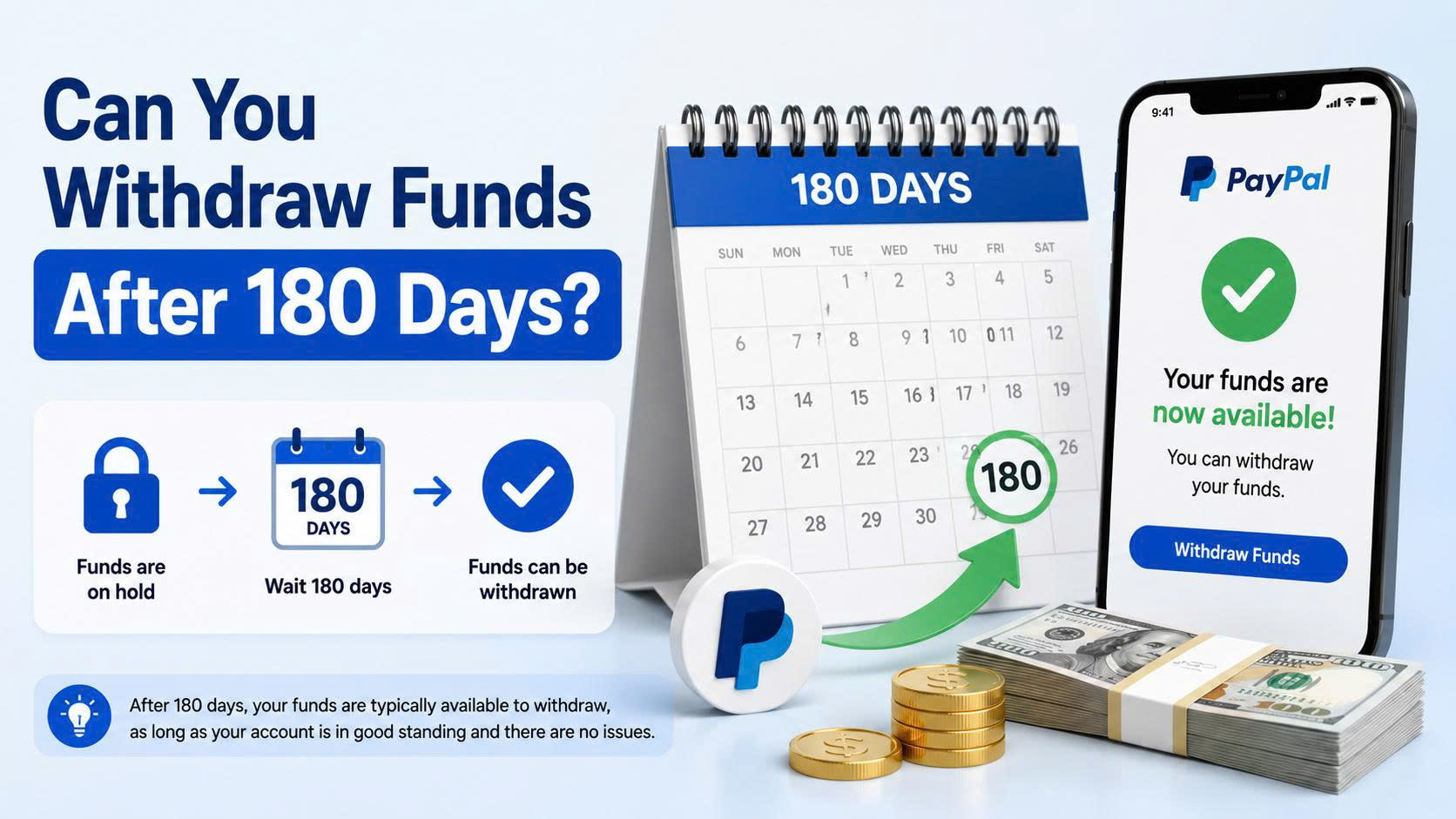
Can You Withdraw Funds After 180 Days?
In many cases, PayPal holds funds for up to 180 days to cover potential disputes, chargebacks, or claims.
After the holding period, PayPal may allow you to:
- Withdraw funds to a linked bank account
- Transfer remaining balances as permitted
However, the final decision depends on the account status and PayPal’s internal review process.
Important Tips When Appealing a PayPal Limitation
Do Not Provide False Information
Submitting fake documents or inaccurate information can result in a permanent account ban with little or no chance of recovery.
Avoid Creating a New Account Immediately
Many users attempt to create a new PayPal account using the same:
- Email address
- Bank card
- Identity documents
PayPal’s risk management system can often detect duplicate information, leading to additional limitations on newly created accounts.
Follow PayPal Policies
To reduce future risks, users should:
- Fully verify their accounts
- Avoid prohibited products and services
- Maintain low dispute and chargeback rates
- Avoid receiving suspicious or unexplained payments
How to Reduce the Risk of Future PayPal Limitations
To keep your PayPal account in good standing, consider the following best practices:
Complete Account Verification Early
Verify your identity, address, and payment methods as soon as possible.
Avoid Unusual Transaction Patterns
Large spikes in transaction volume or sudden changes in account activity may trigger reviews.
Provide Tracking Information
For physical products, always upload tracking numbers and shipping details whenever possible.
Maintain Low Dispute and Chargeback Rates
Excellent customer service and clear communication can help reduce refund requests and disputes.
Conclusion
A permanently limited PayPal account can be a serious challenge for online sellers, freelancers, and international businesses. However, in some cases, users may still have the opportunity to appeal the limitation or withdraw their funds after the 180-day holding period.
Preparing accurate identity documents, proof of address, and transaction records can significantly improve your chances during PayPal’s review process. Most importantly, following PayPal’s policies and maintaining a healthy transaction history can help prevent future account limitations.
If your business relies heavily on PayPal, taking proactive steps to verify your account and manage risk is essential for maintaining uninterrupted payment operations.
EasyPay onBoard – Your success is our satisfaction