
Many sellers on Etsy, Shopify, eBay, Amazon, and other eCommerce platforms often encounter a situation where PayPal displays the withdrawal status as Completed, but the money has not yet arrived in their bank account.
This is one of the most common issues that makes sellers anxious, especially when they need cash flow for inventory, advertising costs, or business operations.
However, in most cases, the money is not lost.
The important thing to understand is that the Completed status only confirms that PayPal has successfully sent the transfer instruction to the banking system. After that, the transaction still needs to be processed by the receiving bank and sometimes by intermediary banks as well.
In this article, EasyPay OnBoard will help you understand the reasons why the money has not yet arrived and the appropriate ways to handle the situation.
What Does PayPal “Completed” Mean?
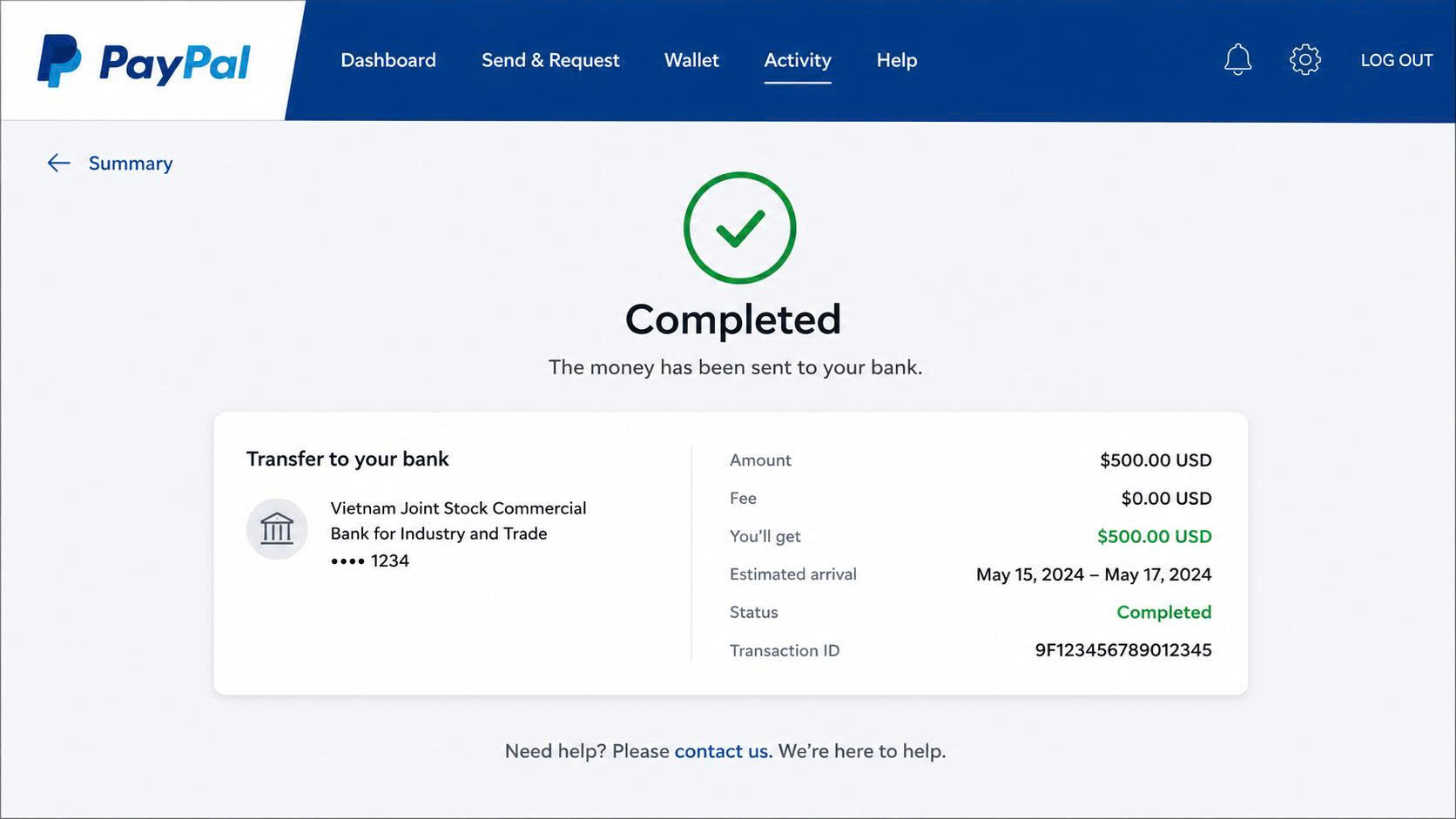
When PayPal displays the status Completed, it does not mean the money has already been credited to your bank account.
It simply means that PayPal has finished its internal processing and has sent the transfer instruction to the banking network.
After that point, the transaction will continue to be processed by:
-
The receiving bank.
-
Intermediary banks (for international transfers).
-
Interbank payment systems.
Therefore, it is entirely possible for PayPal to show Completed while the funds have not yet appeared in your bank account.
Why Does PayPal Show the Withdrawal as Successful but the Money Hasn’t Arrived?
1. The bank is still processing the transaction
This is the most common reason.
After PayPal sends the funds, the bank needs time to receive and process the transaction before crediting it to your account.
Typical processing time:
-
1-5 business days.
-
Weekends and public holidays are not counted as business days.
-
Some banks have longer internal processing procedures.
If you have just initiated the withdrawal, it is best to wait for the full processing period before assuming there is a problem.
2. Incorrect bank account information
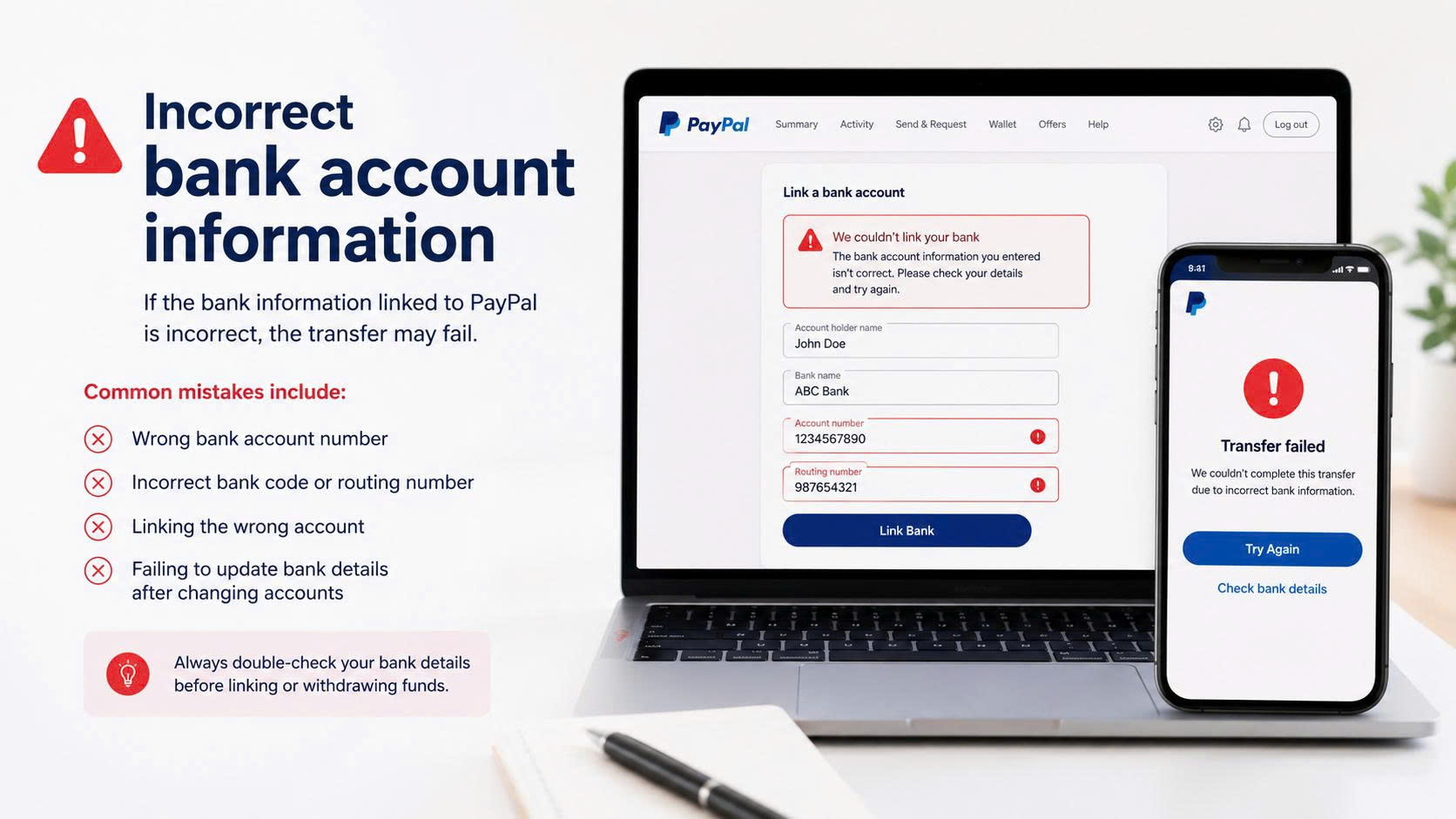
If the bank information linked to PayPal is incorrect, the transfer may fail.
Common mistakes include:
-
Wrong bank account number.
-
Incorrect bank code or routing number (depending on the country).
-
Linking the wrong account.
-
Failing to update bank details after changing accounts.
In some countries, the bank account holder’s name must also match the name on the PayPal account. If the names do not match, the transfer may be rejected.
3. The bank rejects the transfer
Not every transfer sent by PayPal is automatically accepted by the bank.
The bank may reject the transfer because:
-
The bank account has been closed.
-
The account is locked or restricted.
-
The bank does not support the transfer method used by PayPal.
-
The transaction is blocked by the bank’s risk control system or internal policies.
In this case, the funds are usually not lost; they will typically be returned to PayPal after processing is completed.
4. International transfers are delayed due to AML or KYC checks
For international withdrawals, the funds may pass through one or more intermediary banks before reaching the receiving bank.
During this process, the transaction may be held for additional checks such as:
-
AML (Anti-Money Laundering).
-
KYC (Know Your Customer).
If the transaction is selected for additional review, the transfer may take longer than usual. This is a common compliance procedure in the international financial system and does not mean the money has been lost.
5. The money is returned to PayPal
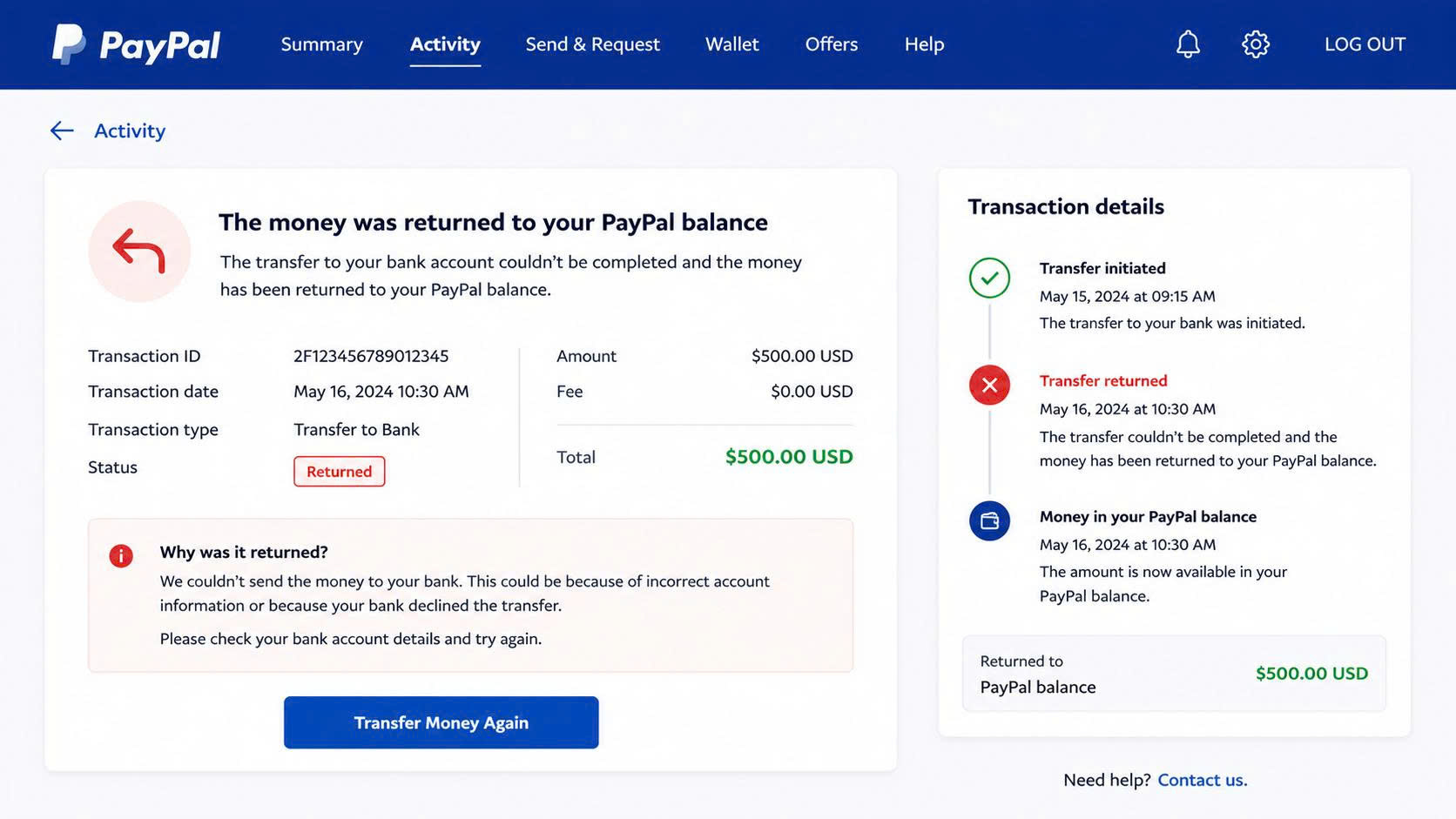
If the receiving bank rejects the transfer, the funds will be returned to your PayPal account.
You may then see statuses such as:
-
Returned
-
Reversed
PayPal usually sends an email explaining the reason or confirming that the funds have been returned. Once the money is back in PayPal, you should review your bank information before initiating a new withdrawal.
6. PayPal is reviewing the transaction
In some cases, PayPal may temporarily review the transaction before sending the funds to the bank.
This often happens when:
-
The account is newly created.
-
There are unusual changes in transaction activity.
-
The transfer amount is significantly larger than normal.
-
The system detects potential risk indicators.
If the transaction status is Pending, it means PayPal has not yet sent the money to the bank. You should check the Activity section in PayPal to confirm the exact transaction status.
7. System issues from PayPal or the bank
Although rare, technical problems can sometimes delay transfers.
Examples include:
-
PayPal system maintenance.
-
Bank system upgrades.
-
Connection issues between PayPal and the bank.
-
Bulk transaction processing errors.
In such situations, PayPal or the bank will usually publish a notice or send emails to affected customers if the issue persists.
How to Reduce the Risk of Delayed Withdrawals
To minimize problems when withdrawing from PayPal to a bank account, sellers should:
-
Use a bank account under their own name.
-
Carefully verify bank details before linking the account.
-
Keep the PayPal account operating consistently.
-
Complete all identity and business verification requirements.
-
Monitor emails from PayPal regularly.
-
Avoid unusual or sudden changes in transaction amounts.
Conclusion
When PayPal shows Completed but the money has not yet arrived in your bank account, it does not necessarily mean the funds are lost. In most cases, the delay is caused by bank processing times, incorrect bank information, international compliance checks, or the receiving bank rejecting the transfer.
If you still have not received the funds after more than 5 business days, check the transaction status in PayPal, confirm with your bank, and contact PayPal support for further assistance.
EasyPay onBoard – Your success is our satisfaction