
Stripe is one of the world’s most popular payment processors for eCommerce businesses, Shopify stores, SaaS companies, and dropshipping sellers. Its powerful APIs, fast payment processing, and advanced fraud prevention tools have made it a preferred choice for businesses of all sizes.
However, Stripe is also known for its rigorous risk management system.
Many merchants believe Stripe suspends accounts without warning. In reality, the platform often detects potential risks and shows warning signs before initiating an account review or applying measures such as requesting additional documentation, increasing reserves, delaying payouts, or, in more serious cases, restricting the account.
In this article, EasyPay OnBoard shares five common signs that Stripe may be preparing to review your account and explains how you can reduce potential risks.
What Is a Stripe Account Review?
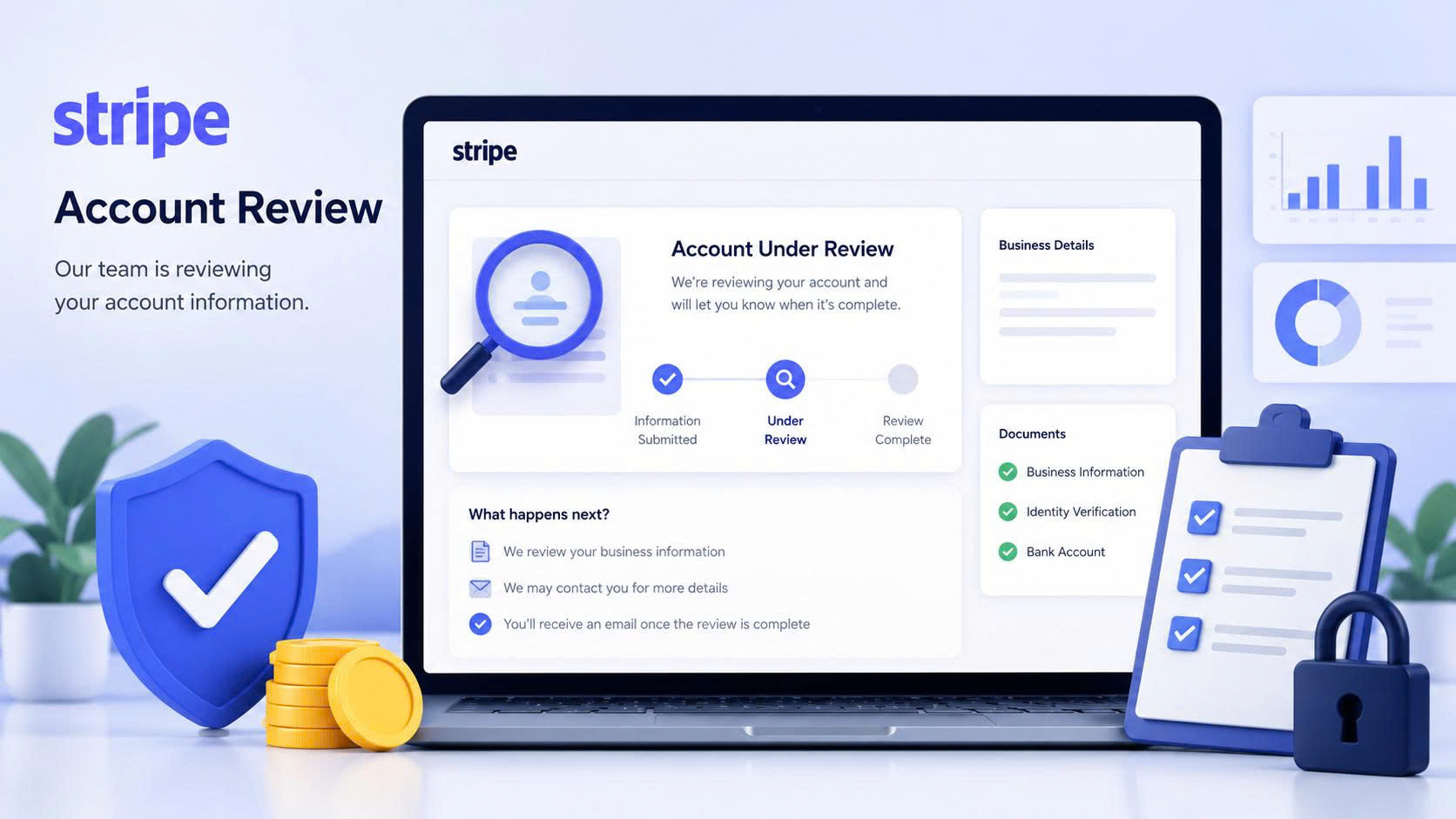
A Stripe Account Review is the process of reassessing the risk level of a merchant account. Reviews may occur periodically or be triggered automatically when Stripe’s system detects unusual changes in business activity.
During the review process, Stripe may request:
- Business verification (KYC)
- Updated business registration documents
- Identity verification of business owners
- Supplier invoices
- Proof of your fulfillment process
- Updated website and store policies
- Shipping tracking information
If you respond promptly and provide complete documentation, the review process is generally faster and smoother.
1. Sudden Revenue Growth
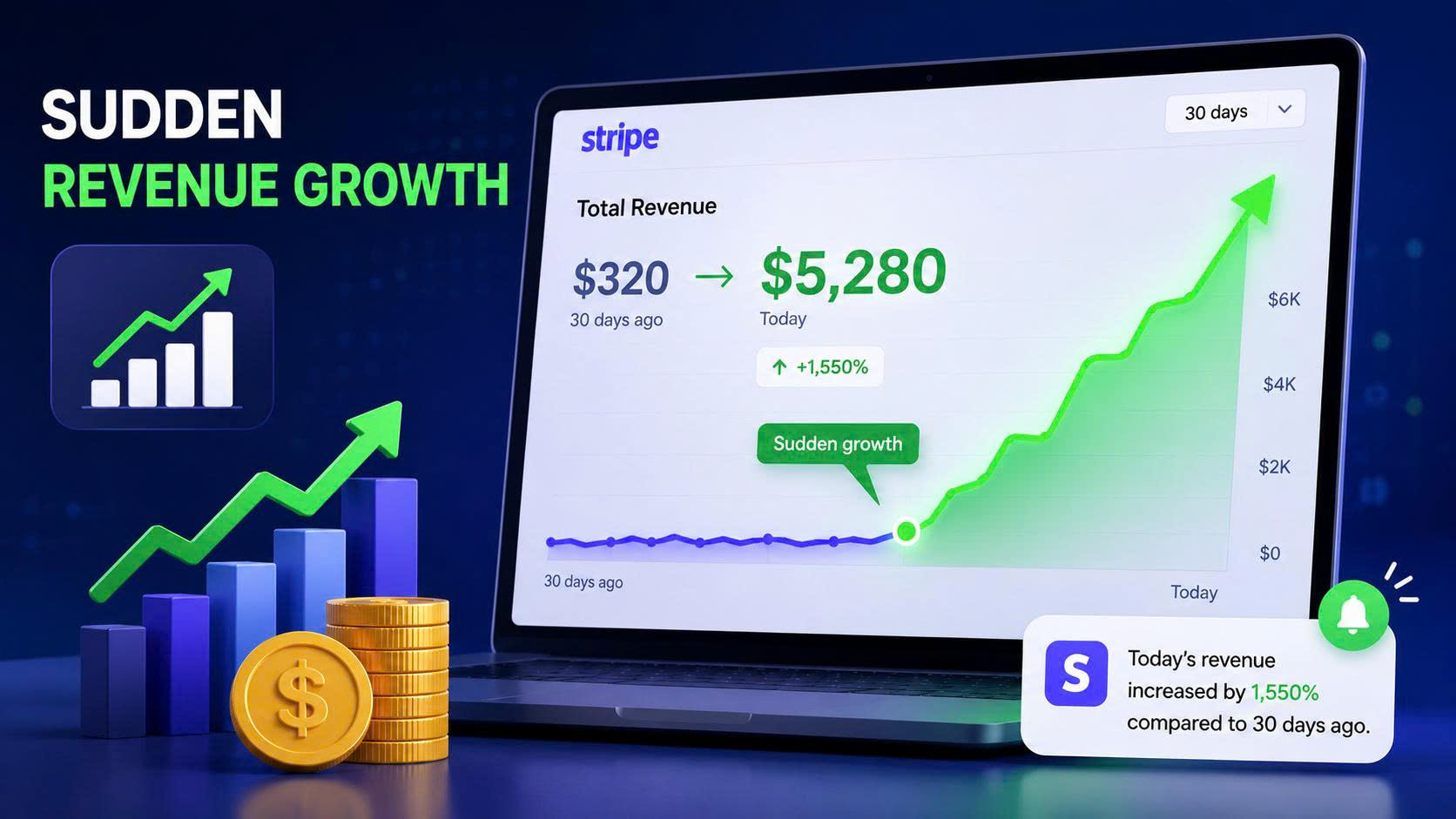
One of the most common triggers for a Stripe review is an unexpected spike in revenue.
For example:
- Last week your store generated around $300 per day.
- Today it suddenly processes $5,000 per day.
- Or your revenue increases tenfold after launching a new advertising campaign.
From Stripe’s perspective, rapid growth may indicate:
- A significant change in your business model
- A large-scale marketing campaign
- Increased fraud risk
- A higher likelihood of chargebacks
This does not necessarily mean Stripe believes your business is violating its policies. Instead, the platform simply wants to verify that the increase is legitimate.
How to Prepare
- Keep records of your marketing campaigns.
- Save supplier invoices and purchase orders.
- Maintain a clear fulfillment process.
- Ensure your website accurately reflects your products and business information.
2. Your Dispute Rate Starts Increasing
Payment disputes are one of the most important risk indicators monitored by Stripe.
Even if your sales continue to grow, a rising dispute rate can trigger an account review.
Common causes include:
- Shipping delays
- Products that don’t match customer expectations
- Customers not recognizing the business name on their card statement
- Slow customer support
- Misleading advertisements
If your dispute rate exceeds Stripe’s acceptable threshold, you may be asked to provide additional documentation or explain the situation.
How to Reduce Disputes
- Use a recognizable statement descriptor.
- Respond to customer emails promptly.
- Maintain a transparent refund policy.
- Send tracking information immediately after shipment.
- Monitor dispute trends weekly rather than monthly.
3. Missing or Delayed Shipping Tracking
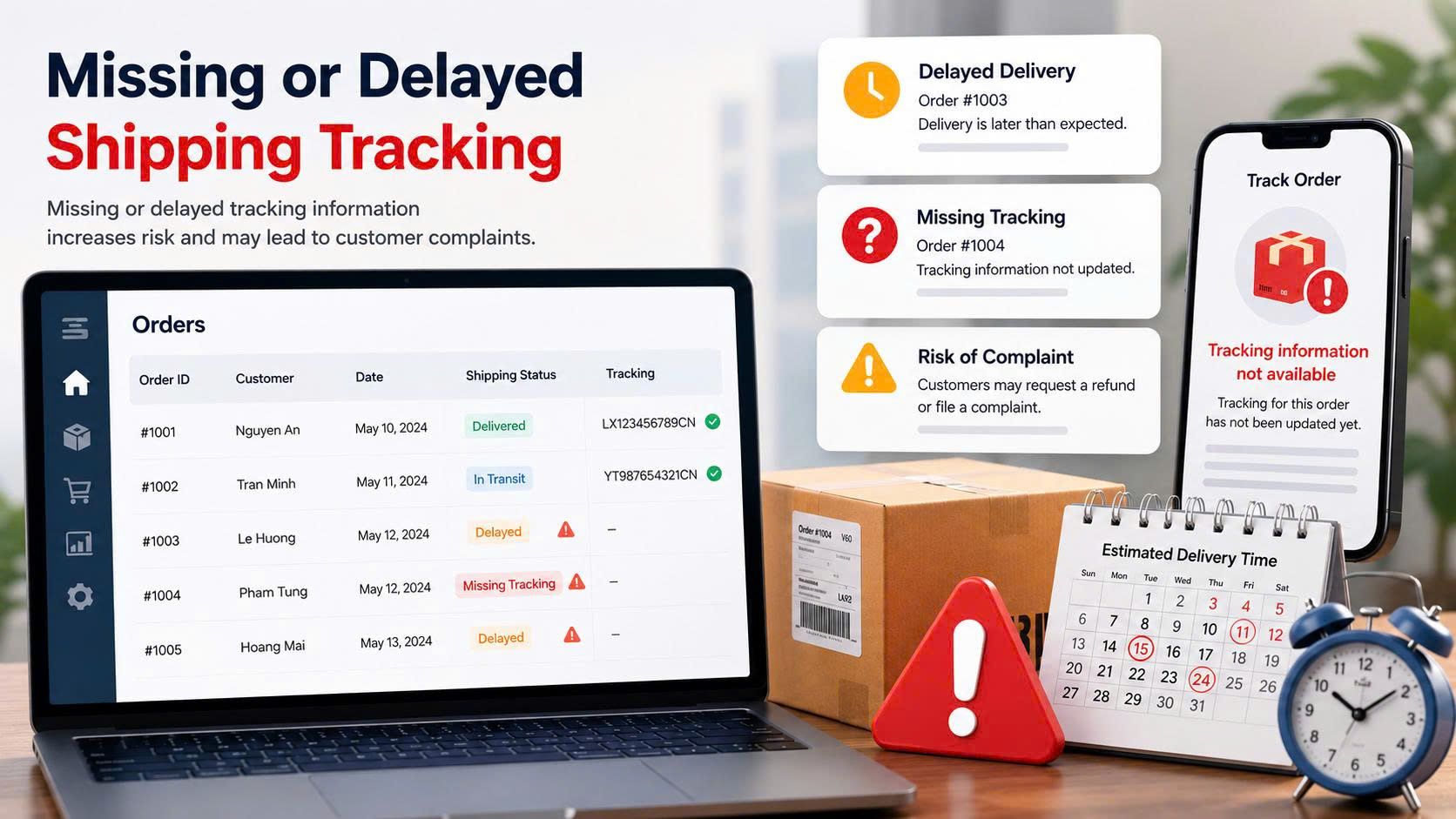
For eCommerce businesses especially dropshipping and POD stores shipping performance plays a significant role in Stripe’s risk assessment.
Potential warning signs include:
- A large number of orders without tracking information
- Invalid tracking numbers
- Long order processing times
- Frequent customer complaints about undelivered orders
- Lost shipments
If Stripe notices too many transactions without sufficient proof of delivery, it may ask you to demonstrate your fulfillment process.
Best Practices
- Synchronize tracking information with your eCommerce platform.
- Work with suppliers that have reliable processing times.
- Proactively notify customers about shipping delays.
- Monitor your successful delivery rate.
4. Stripe Requests Updated Business Information
Many merchants become concerned when they receive an email from Stripe requesting additional business information.
In reality, this is a standard part of Stripe’s compliance and risk management procedures.
Stripe may ask for:
- Identity verification
- Updated KYC information
- Ultimate Beneficial Owner (UBO) verification
- Website updates
- A description of your business model
- Business registration documents
- Proof of your business address
Ignoring these requests or responding too slowly may delay payouts or extend the review process.
Recommendations
Once you receive a request:
- Verify that the email is genuinely from Stripe.
- Prepare all required documentation.
- Submit files in the requested format.
- Monitor your verification status through the Stripe Dashboard.
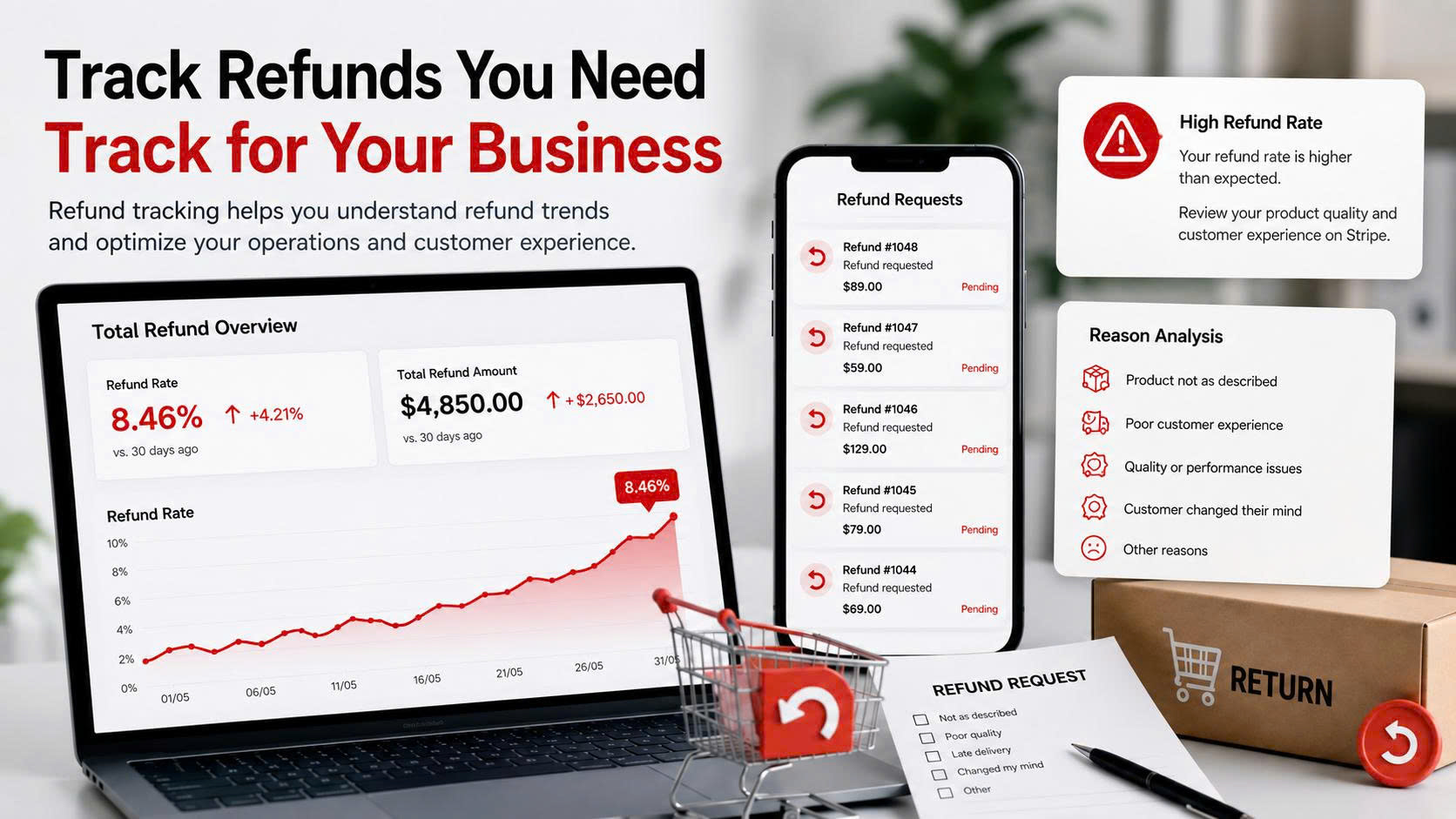
5. Refund Requests Increase Significantly
Refunds are not necessarily a negative signal.
However, if your refund rate rises sharply within a short period, Stripe may view it as an indication of potential issues such as:
- Product quality concerns
- Misleading product descriptions or advertising
- Poor customer experience
- Fulfillment problems
- Weak post-sale support
A high refund rate can also increase the likelihood of chargebacks, as some customers may escalate from requesting refunds to filing payment disputes.
How to Reduce Refunds
- Provide accurate product descriptions.
- Clearly communicate shipping times.
- Perform quality control before shipping.
- Offer responsive customer support.
- Resolve complaints quickly and professionally.
Does Stripe Always Suspend an Account After a Review?
In many cases, Stripe simply requests additional information to verify your business. If your documentation is complete and your operations are transparent, your account can continue processing payments without interruption.
However, if Stripe identifies significant risks or the merchant fails to cooperate during the review process, it may take actions such as:
- Placing a reserve on funds
- Delaying payouts
- Limiting payment processing capabilities
- Closing the account in severe cases
How to Prepare Before Stripe Reviews Your Account
To minimize operational disruptions, businesses should proactively:
- Keep business information and KYC documents up to date.
- Maintain a professional website with clear payment, refund, shipping, and privacy policies.
- Regularly monitor dispute and refund rates.
- Upload shipping tracking information promptly.
- Store supplier invoices and business records securely.
- Ensure all information in the Stripe Dashboard remains accurate.
- Respond quickly to any requests from Stripe.
Conclusion
Stripe evaluates businesses using far more than revenue alone. Its risk management system considers factors such as dispute rates, refund activity, shipping performance, and the overall transparency of your business.
If you notice warning signs such as sudden revenue growth, increasing disputes, missing tracking information, requests for updated KYC documents, or unusually high refund rates, there’s no need to panic. Instead, use these signals as an opportunity to review your operations, organize your documentation, and cooperate promptly with Stripe if additional verification is requested.
Being prepared in advance can help minimize payment disruptions, maintain business continuity, and build long-term credibility with Stripe.
EasyPay onBoard – Your success is our satisfaction